
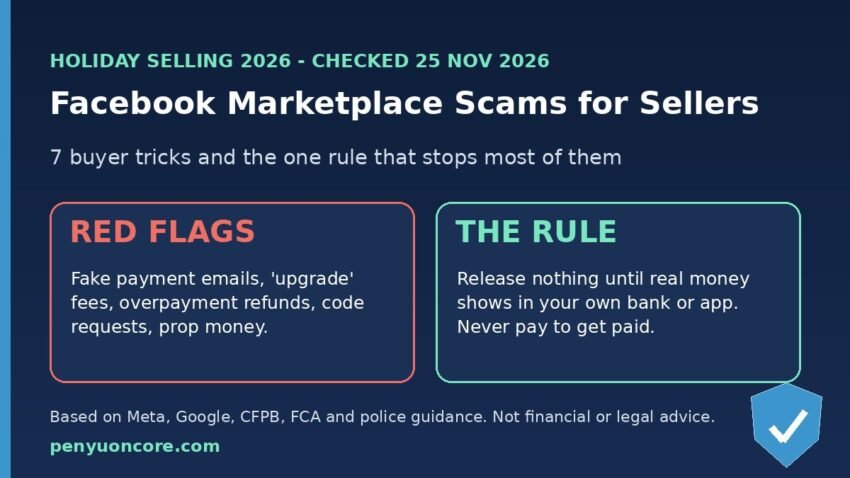
Facebook Marketplace scams for sellers nearly all end the same way: you hand over the item, or send money “back”, before real money has landed in your account. The safest rule is simple. Don’t release anything until you’ve checked your own bank or payment app (not a screenshot or an email), and never pay a fee or refund to “unlock” a payment.
That rule matters more this week. Plenty of people are listing furniture, electronics and unwanted gifts to raise cash before Black Friday (27 November 2026) and the holidays, and police have been warning about fresh cases. On 14 November 2026 the Jacksonville Sheriff’s Office described a seller who lost $700 over a $150 table. On 20 November NBC4 Washington reported on a seller who was handed fake money before the buyer ran off with a jacket. Below are the scams aimed at sellers that keep coming up, and how to spot each one.
The 7 most common Facebook Marketplace scams for sellers
1. The fake Zelle “business account” or “upgrade” email
The buyer agrees to your price without haggling, asks for your Zelle email or phone number, and soon you get an email that looks like it’s from Zelle. It says the payment is “pending” because the buyer used a business account, and you need to upgrade or raise your limit first. Sometimes the buyer offers to cover the upgrade fee if you refund them.
Chase’s guidance for business customers says plainly that Chase and Zelle “will never ask you to send money to upgrade your Zelle account or increase your limit”, and that “there is no such thing as an upgraded Zelle account for this purpose.” The Jacksonville case followed this script: the fake buyer said their business Zelle account couldn’t send less than $650, asked the seller to send $500 back, then sent a fake “customer service” link that cost the seller another $200.
2. Overpayment and “please refund the difference”
A close relative of the Zelle trick: the buyer claims to have sent too much (by app, cheque or money order) and asks you to return the extra. Meta’s Marketplace safety page warns that buyers may request refunds without actually paying, and tells sellers to check their account to confirm payment “even if they send you a screenshot showing the transaction.”
With cheques and money orders, the US Consumer Financial Protection Bureau explains that if you deposit a counterfeit one, the funds may show up at first, but you will have to pay them back even if you’ve already withdrawn them. Its advice is not to send any money to the buyer.
3. The verification code request
A “buyer” says they’ve been scammed before and want to check you’re real, so they’ll text you a code. That code is usually a Google Voice verification code. If you share it, they can try to link a Google Voice number to your phone number and use it to hide who they are while scamming others. Google’s help page says not to reply to any requests for your verification code and that “Google employees will never ask for this code.” The same advice goes for codes from your bank, email provider or Facebook itself.
4. Prop money and counterfeit cash at the meetup
Cash feels safe, but “movie money” is turning up at in-person sales. In October 2025 Michigan’s Attorney General reissued a consumer alert after reports of sellers being paid with realistic prop notes marked “For Motion Picture Purposes”. The office advised meeting at a police station, checking each note closely and not letting buyers rush you. In the NBC4 case, the seller described the fake notes as smoother than real money, almost plastic, and said they read “For Motion Picture Use Only” across the top.
For larger cash sales, take a minute to look at the security features the US government describes on uscurrency.gov, and count the money before you hand the item over, not after.
5. Grab-and-run at the handover
The NBC4 buyer snatched the jacket while the seller was still checking the cash. Prince George’s County police told sellers to tell a trusted friend or family member about the sale and to never go to a meetup alone. The seller himself urged people to do these deals outside a police station. Keep hold of the item until payment is fully checked, and don’t chase anyone. Police said it isn’t worth the risk.
6. Moving you off Facebook, then phishing
Meta warns that buyers who ask to switch to phone or email early in the chat “may have ill intent”, and that login links asking for personal information or passwords are “an immediate red flag.” Once a chat moves to text or email, fake payment pages and “support” links get much easier to send. Keeping the conversation in Marketplace also leaves you a record you can report.
7. Shipping tricks and buyer-supplied labels
If you ship items, be wary of buyers who insist on sending their own label or arranging their own courier. Facebook’s Help Center says it offers prepaid shipping labels through Marketplace with extra protection if something goes wrong in transit. It also notes: “If you use your own shipping label, these protections won’t apply.” Sellers get 7 calendar days to ship after an order is placed, or the order is cancelled automatically and the buyer refunded.
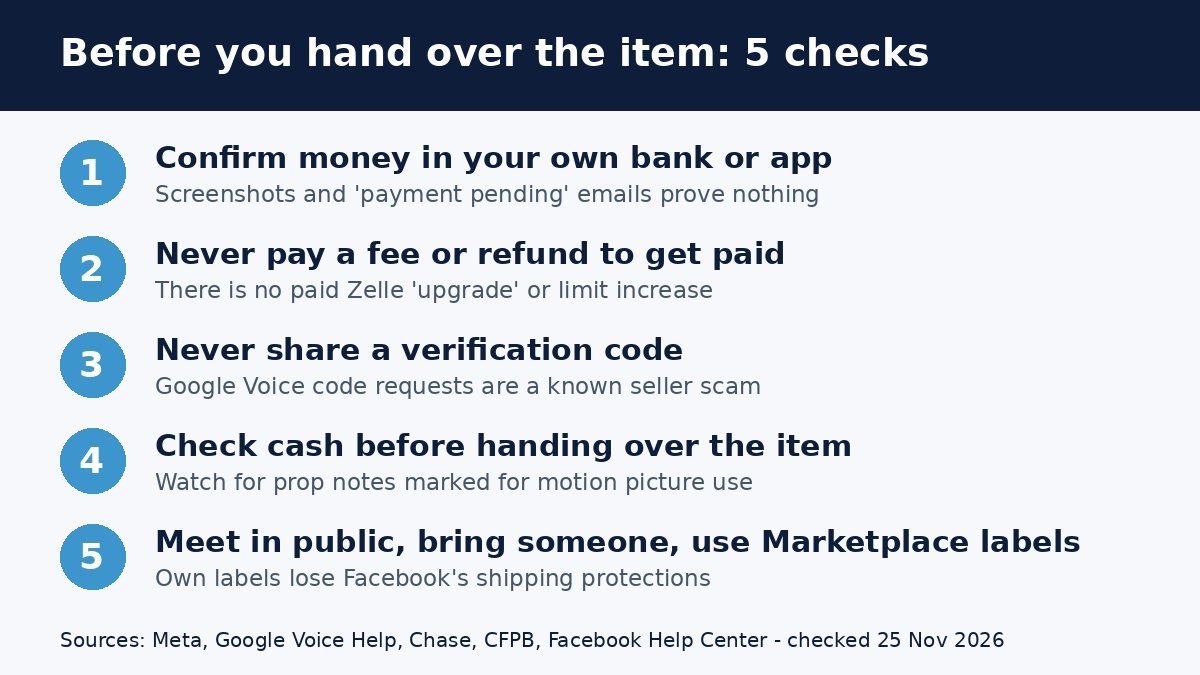
Red flags at a glance
| What the buyer says | What’s usually going on | What to do |
|---|---|---|
| “I’ve paid. Here’s the screenshot.” | Screenshots and emails are easy to fake | Check your bank or app directly |
| “Zelle needs you to upgrade first.” | Phishing email, no real payment | Stop. There’s no paid Zelle upgrade. |
| “I sent too much, please send it back.” | Overpayment scam | Don’t refund. Tell your bank. |
| “Read me the code I just texted you.” | Verification code takeover | Never share codes |
| “Let’s text instead, here’s my number.” | Moving you away from Facebook’s records | Keep the chat in Marketplace |
| “I’ll send my own shipping label.” | You may lose Marketplace shipping protection | Use Marketplace’s prepaid label |
How to sell safely this holiday season
- Confirm money in your own account. Log in to your banking or payment app yourself. Don’t use a link or phone number the buyer gave you.
- Never send money to receive money. No real buyer needs you to pay a fee, refund an “overpayment” or “verify” your account first.
- Know what your payment method protects. Zelle works like cash and is meant for people you know and trust. If you take payment through another app, check how holds and disputes work. Our guides to why PayPal holds funds and Venmo purchase protection cover those rules.
- Meet in a busy public place, ideally a police station’s exchange zone, and bring someone with you or tell someone where you’re going.
- Be wary of instant, no-questions offers, especially ones that move straight to payment details within minutes of you listing.
Pressure to do something unusual with a payment app is the common thread in many online money scams, including the fake “job” schemes covered in our task scam guide.
What to do if you’ve been scammed
- Call your bank or payment provider straight away, using the number on your card or in the official app. Ask whether the payment can be stopped or recalled.
- Report the buyer to Facebook and stop replying. Meta says you can report buyers for things like asking for personal information or offering overpayment.
- If you shared a Google Voice code, follow Google’s steps to disconnect your number from Google Voice.
- US: report it to the FTC at ReportFraud.ftc.gov and to local police, particularly if counterfeit cash or theft was involved.
- UK: the FCA says to contact your bank first, then report to Report Fraud (which replaced Action Fraud on 4 December 2025) on 0300 123 2040. In Scotland, call Police Scotland on 101. If you were tricked into sending a bank transfer by Faster Payments on or after 7 October 2024, the FCA explains that your provider may have to reimburse you up to £85,000, though it might not refund the first £100.
FAQ
Is it safe to accept Zelle on Facebook Marketplace as a seller?
Real money sent by Zelle shows up in your bank account. The danger is fake Zelle emails and screenshots. Only trust what your own banking app shows, and treat any request to pay for an “upgrade” or higher limit as a scam.
Why would a buyer want my verification code?
Usually to set up a Google Voice number linked to your phone number, which can then be used to scam other people. Google says not to reply to any request for your code.
Does Facebook protect sellers?
Facebook says its own prepaid shipping labels come with extra protection for shipped orders, and that this doesn’t apply if you use your own label. Local cash sales and off-platform payments rely mostly on your own checks.
Should I take cheques or money orders from strangers?
It’s risky. The CFPB warns that counterfeit cheques and money orders can appear to clear and then be reversed, leaving you to repay the money.
If selling becomes a regular side income, keep records. Payment platforms may send tax forms, as our 1099-K threshold explainer describes.
This article is general information, not financial or legal advice. Platform policies and bank protections change, so check the current terms with Facebook, your bank and your payment provider before relying on them. Sources checked 25 November 2026.