
If you finished a busy Black Friday shift and found DoorDash Fast Pay not working, you are not alone: Fast Pay has a short list of official eligibility rules, and breaking any one of them blocks the cash-out. This guide walks through each cause DoorDash itself lists, how to fix it, and what happens to your money if you simply cannot cash out today.
Quick answer: DoorDash Fast Pay usually fails because you already cashed out once today, your balance is under $1.99, you have withholdings on your account, your linked card is prepaid or has a negative balance, you are set up on DoorDash Crimson instead of Fast Pay, or your bank limits daily debit card transfers. Update the Dasher app, check those conditions, and if nothing works, your earnings still arrive by weekly direct deposit.
Why Is DoorDash Fast Pay Not Working?
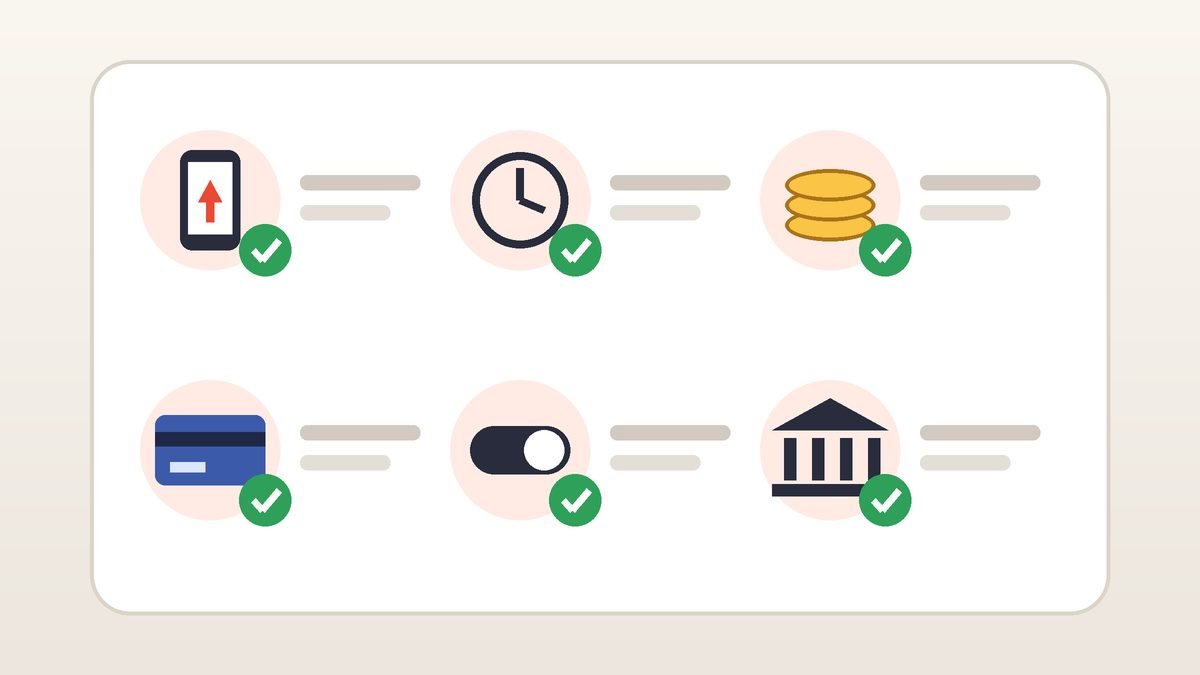
According to DoorDash’s official Fast Pay help article, Fast Pay lets Dashers in the United States and Canada cash out their earnings once per day for a fee of $1.99. It is not available to every Dasher, and DoorDash lists these reasons you might not have access:
| Official reason | What it means for you | What to try |
|---|---|---|
| Already cashed out today | Fast Pay can only be used once per day. | Wait until the next day, then cash out again. |
| Balance under $1.99 | Your earnings balance must cover the $1.99 fee. | Complete another dash and try again. |
| Withholdings on your account | Any withholdings drawn from your account block Fast Pay. | Ask DoorDash support what the withholding is for. |
| Debit card has a negative balance | The linked card account must not be overdrawn. | Bring the account positive or link a different debit card. |
| Prepaid card linked | Fast Pay requires a debit card, not a prepaid card. | Link a regular bank debit card. |
| You use DoorDash Crimson | Fast Pay is unavailable when Crimson is your payout method. | Check your payout method in the Earnings tab. |
| Inactive account or outside US/Canada | You need an active Dasher account in a supported market. | Contact support if your account should be active. |
DoorDash adds two more practical causes in the same article. First, your cash-out balance only includes completed dashes, so if you try to cash out right after a delivery, that dash may still be processing. Second, if Fast Pay is “just not working,” DoorDash says to make sure you have the latest version of the Dasher app, and notes that some banks limit debit card transfers per day for security reasons, so lots of transfers in one day can make Fast Pay fail.
How to Fix DoorDash Fast Pay Step by Step
Work through these checks in order. Most of them take less than a minute inside the Dasher app.
1. Update the Dasher app
This is DoorDash’s first suggestion when Fast Pay fails for no obvious reason. Install any pending update from the App Store or Google Play, then reopen the app and try again.
2. Confirm you have not already cashed out today
The once-per-day limit is the simplest cause to miss, especially if you cashed out between a lunch block and an evening block. If you already used Fast Pay today, the app will not let you cash out again until tomorrow.
3. Check your balance and wait for dashes to process
You need at least $1.99 in your earnings balance, and only completed dashes count. Earnings from a dash that is still in progress cannot be cashed out. If you just finished, give the dash time to process before trying again.
4. Review your linked debit card
Make sure the card is a real bank debit card (not prepaid) and that the account behind it is not overdrawn. To change it, DoorDash says to go to the Earnings section, tap “Payout Details,” then “Fast Pay,” then “Update Debit Card.”
5. Check your payout method
DoorDash’s Crimson FAQ confirms that Fast Pay and Crimson cannot be used together. Once a Crimson application is approved, your default payout method switches to Crimson automatically, which means the Fast Pay button may disappear or stop working. That is expected behavior, not an error.
6. Call your bank about daily transfer limits
If everything above looks fine, ask your bank whether it limits incoming debit card transfers per day or flagged the transfer. DoorDash specifically points to bank-side limits as a reason Fast Pay may not work.
7. Contact DoorDash support
If you see withholdings you do not recognize, or Fast Pay still fails after the checks above, contact Dasher support through the app or the DoorDash help center. Note that a Fast Pay transfer cannot be cancelled once you cash out.
Fast Pay Went Through but the Money Is Not in Your Bank
A successful Fast Pay is not always an instant deposit. DoorDash says transfers usually happen within minutes but can take up to a few business days to show in your debit card’s available balance, depending on your bank’s processing time. You should also receive an email confirmation for each completed Fast Pay transaction, so check your inbox before assuming the transfer failed.
Holiday timing matters this time of year. Bank processing generally slows around federal holidays, and the Federal Reserve’s holiday schedule lists Thanksgiving Day (November 26, 2026) and Christmas Day (December 25, 2026) as observed holidays. If your bank needs “a few business days” to post the funds, a holiday week can stretch that wait.
If you drive for more than one app, the same logic applies elsewhere; our guide to Uber Instant Pay not working covers the equivalent problems on Uber.
What Happens to Earnings You Cannot Cash Out?
Your money does not disappear if Fast Pay fails. Per DoorDash, any earnings you do not cash out by 11:59:59 PM Pacific time on Sunday are deposited into your bank account as a weekly direct deposit, with a processing period of 2–3 business days. That is also why your available cash-out balance can show $0 early in the week: last week’s earnings have already been routed to the weekly payment.
| Payout option | Fee (per DoorDash) | Timing (per DoorDash) |
|---|---|---|
| Weekly direct deposit | No Fast Pay fee | Earnings cut off Sunday 11:59:59 PM PT, then 2–3 business days |
| Fast Pay | $1.99 per cash-out | Once per day; usually minutes, up to a few business days |
| DoorDash Crimson | No fee for payouts | Automatic payout after every dash; typically within seconds, though delays can occur |
Crimson is a deposit account established by Starion Bank, Member FDIC, and DoorDash says applying involves no credit check and no fee. It is an option worth reading about if daily cash-outs keep failing, but read the deposit account agreement and fee schedule first, since separate limits and fees (for example, on out-of-network ATM withdrawals) can apply. Moving your income to a new account is a personal decision, not a requirement.
Watch Out for Fake “Update Your Payout” Messages
When payouts fail, scammers know Dashers are primed to click anything promising a fix. DoorDash warns that if you get an email about changes to your Fast Pay details that you did not make, you should immediately change your password and correct the debit card information in the Earnings tab of your app. Make any payout changes inside the Dasher app itself, never through a link in a text or email. Our guide to fake delivery text scams shows the warning signs these messages share.
Keep Records During the Holiday Rush
Peak weeks such as Black Friday, Cyber Monday, and the run-up to Christmas can mean more dashes and more cash-outs. Keep your Fast Pay confirmation emails and weekly statements, as they make support tickets easier and help at tax time. If you are unsure how your delivery income is reported, see our explainer on the 1099-NEC threshold for 2026, and for tip income specifically, read whether DoorDash tips are tax-free.
FAQ
Why does DoorDash say I can’t cash out today?
DoorDash says the most common reason is that Fast Pay can only be used once per day. Other blockers include a balance under $1.99, withholdings on your account, or a negative balance on your debit card.
Can I use a prepaid card for DoorDash Fast Pay?
No. DoorDash requires an active debit card linked to your personal bank account and says prepaid cards cannot be used for Fast Pay at this time.
How much does DoorDash Fast Pay cost?
DoorDash lists the Fast Pay fee as $1.99 per cash-out. Crimson payouts have no fee, and weekly direct deposit does not carry the Fast Pay fee.
Why is my DoorDash Fast Pay balance $0?
Earnings not cashed out by Sunday at 11:59:59 PM Pacific are moved to your weekly direct deposit, so your cash-out balance resets. Dashes that are still processing also do not show up yet.
Can I cancel a Fast Pay transfer?
No. DoorDash says that once you cash out, the transfer cannot be cancelled.
Disclaimer: This article is for general information only and is not financial, banking, or tax advice. DoorDash policies and fees can change; always confirm current terms in the Dasher app or the official DoorDash help center.